SMTP Configuration
All the SMTP settings can be configured and set in Admin Panel under Swap Manager -> SMTP Settings.
Required SMTP Settings:
- SMTP Host
- SMTP Port
- SMTP Encryption
- SMTP EMail Login (Username)
- SMTP EMail Password
- SMTP Sender Email Address
- SMTP Sender Name
Include Required SMTP Settings and click Save Changes button:

You can also test your SMTP Settings immediately via Test button:

If you are planning to use Gmail for sending emails:
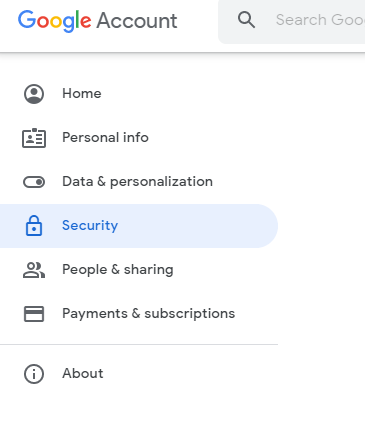
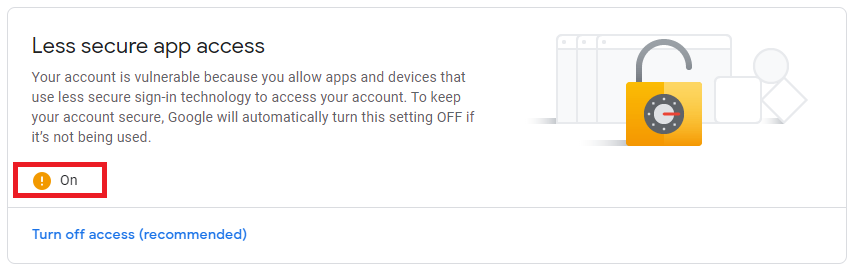
In your Gmail Account settings, under Security tab, make sure your Less secure app access feature is turned on.