Google Analytics
Setup Google Analytics:
Step 1: Go to the Google Analytics page.
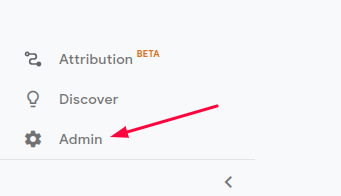
Step 2: From the left-hand menu, click on "Admin."
Step 3: Click on "Create Property," select "Web," and then click "Continue."


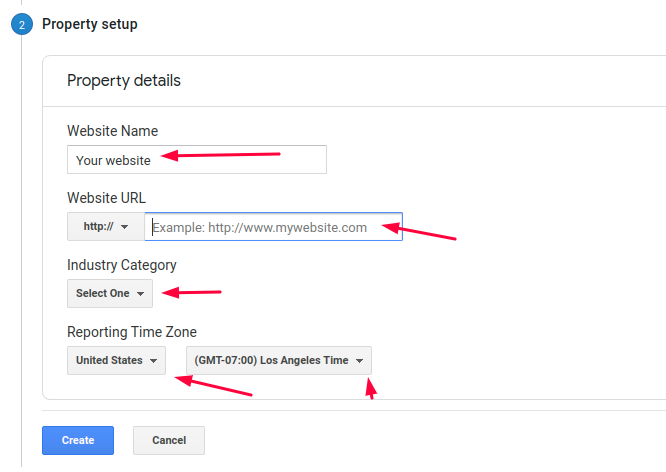
Step 4: Follow the prompts to provide information about your website on the subsequent screen.
Step 5: Fill in the required details and click "Create."
Step 6: Enter the Tracking ID into the Google Analytics Tracking ID field in the Admin Panel under Swap Manager -> Global Settings -> Google Analytics. Ensure to enable the Google Analytics checkbox and click "Save."